top of page

Explore our Knowledge Center and learn how myQ Enterprise can help you!
Dock Management


Getting Started for New Users
Learn the essentials, creating your account, exploring the dashboard, understanding dock positions, and managing daily schedules. Also, find helpful links for taking actions and interacting with drivers.
Dec 12, 20253 min read


How-To Take Actions on a Dock in Use
Learn how to take key actions on a dock in use, such as reassigning trailers, ending sessions, or editing assignments, to keep your workflow organized and efficient.
Dec 8, 20251 min read
How-To Find Docks and Assignment Details
Easily access shipment and appointment details in myQ, including dock positions, driver contact information, and available actions for open or assigned docks, all updated in real time.
Dec 8, 20251 min read


About Trailer and Driver Check-ins Status
Learn what each status means during an appointment, from Scheduled to Checked Out for trailers, and from Started to Timed Out for driver check-ins. This guide explains how updates occur and what each status represents.
Dec 8, 20251 min read


Keep Session Alive Time Limit
If you are struggling with multiple trailer sessions for a single truck, the “Keep Session Active Time Limit” setting helps prevent dock assignment conflicts caused by trailer readjustments. Learn how this feature keeps sessions active during temporary truck movements.
Dec 3, 20253 min read
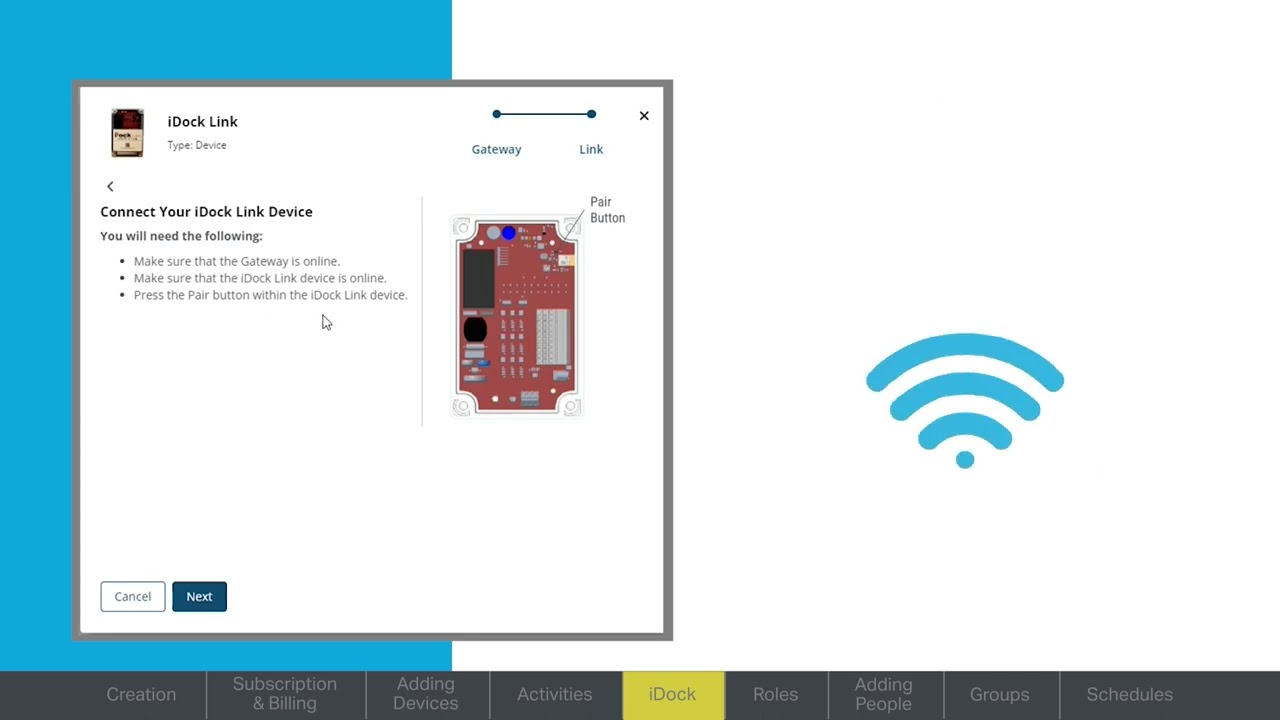
Dock Management Overview
Discover how myQ Dock Management takes logistics management to the next level with advanced tools for scheduling, dock control, and real-time visibility. This video introduces key features that help streamline operations, improve efficiency, and customize workflows for your facility.
Dec 3, 20251 min read
Welcome to myQ Enterprise
Welcome to myQ Enterprise, a powerful inbound/outbound logistics management solution that combines hardware and software to optimize dock and yard operations. This guide introduces key features, training resources, and tools to help you set up schedules, assign roles, add users, and configure zones for maximum efficiency.
Dec 3, 20251 min read


How-To Troubleshoot a Trailer Presence Sensor
If your trailer presence sensor isn’t working correctly, either failing to create sessions or generating unnecessary ones, this guide walks you through steps to check power, reset the sensor, remove obstructions, update firmware, and determine if replacement is needed.
Dec 1, 20251 min read


How-To do Basic Checks on a Sensor
This guide walks you through basic checks, from verifying power and LED indicators to testing target detection and reviewing wiring connections, so you can quickly diagnose common issues.
Dec 1, 20252 min read


How-To Dashboard | Dock Positions
A guide on how to navigate the myQ Enterprise Dashboard’s Dock Positions.
Nov 25, 20251 min read


How-To Dock Mgmt
A guide on how-to navigate the myQ Enterprise Dock Mgmt tab. From this section you can tune your average dock sessions and event alerts.
Nov 21, 20251 min read


How-To Delete and Reactivate Carriers
This guide explains how to remove and restore carriers.
Nov 19, 20251 min read
How-To Add a New Carrier
This guide walks you through how to add a new carrier and adjust fee structures.
Nov 19, 20251 min read
How-To Edit an Existing Carrier
This guide walks you through how to manage existing carrier's details including detention time limits, fee structures, and adding internal notes or driver instructions.
Nov 19, 20251 min read


How-To Compare Dock Sessions
A guide for how to utilize Dock Activity to compare Dock Sessions, In / Out Activity at your facility, and outage events.
Nov 19, 20251 min read


How-To Manually Assign a Shipment to a Dock
This step-by-step guide covers how to manually assign a shipment to a dock when automatic assignment does not occur.
Nov 18, 20251 min read
bottom of page