How-To Pause or End the Driver Chat
- Dec 5, 2025
- 1 min read
During a Driver Check-in, two-way conversations can be had from myQ by SMS. Actions can be used in the chat window to either:
Pause the automated messaging to the drive and provide direct assistance to the driver to help complete the check in
End Chat Session will close the chat and the check in attempt
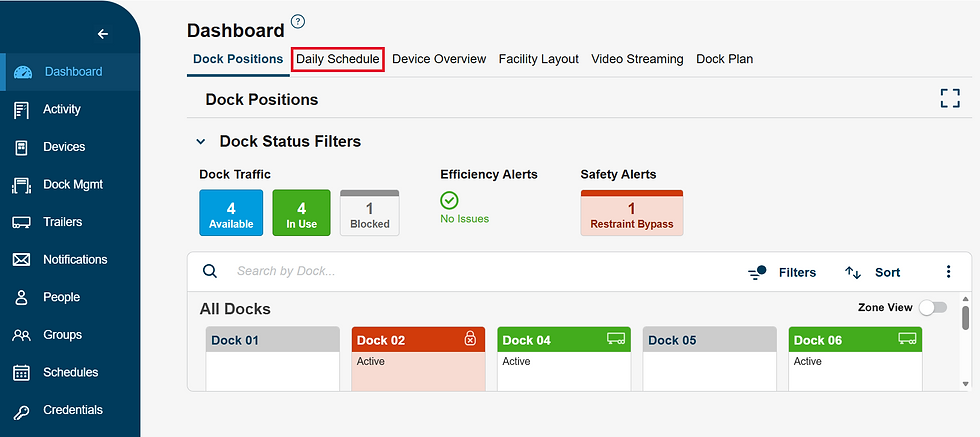
On the Dashboard module navigate to the Daily Schedule and click on one of the boxes in the Driver Check-ins sections

Click on the appointment panel, you would like to view

Click the ACTIONS drop down and from here you can pause or end the chat